Tables & Kanban
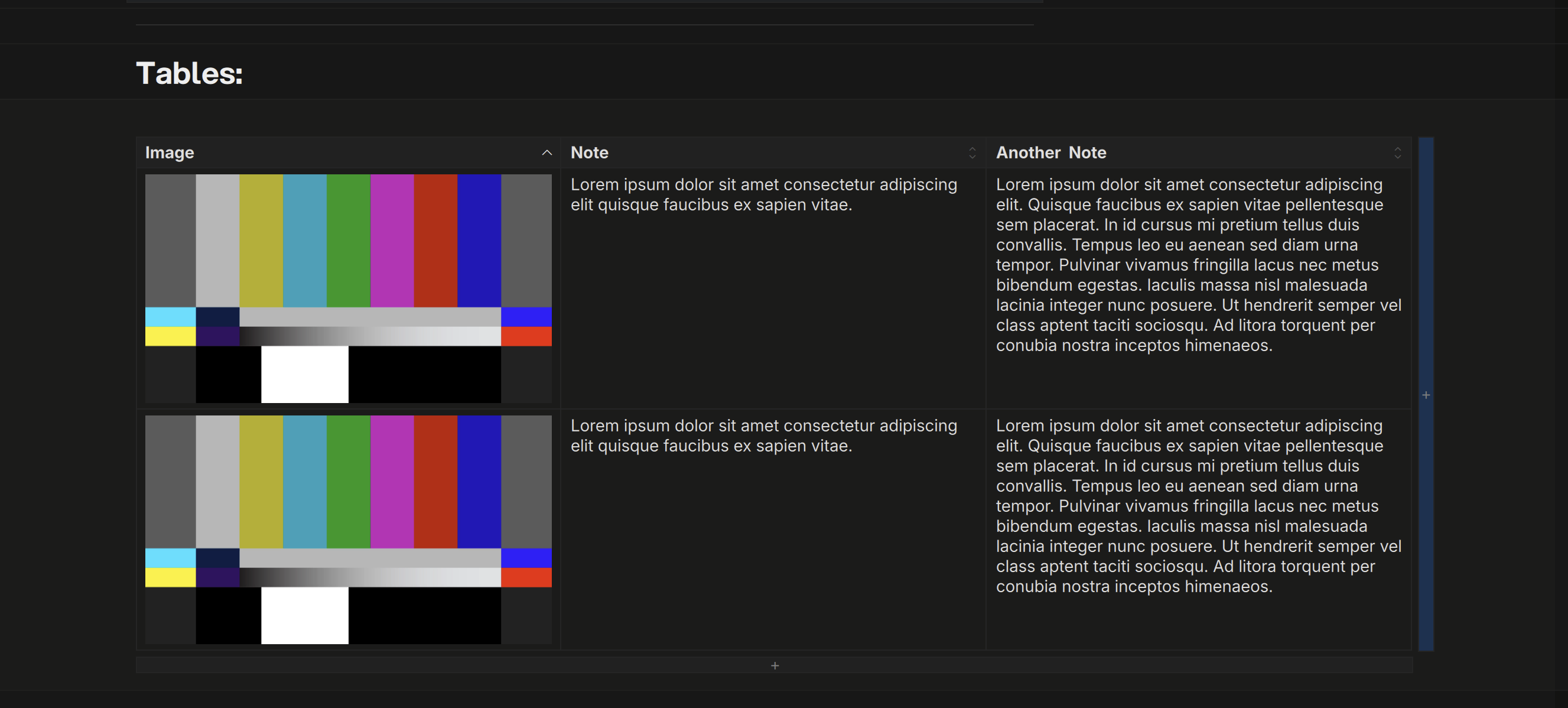
A table is rows of cells, and every cell holds blocks — text with formatting, images, video, lists. Insert one from the toolbar’s Insert block flyout or the block menu (Insert table below), paste tab-separated text (a spreadsheet selection pastes straight in), or import a CSV, spreadsheet, or HTML table. A table wider than the page runs past its right edge and the page scrolls sideways rather than squeezing.
The header row
The header row is the table’s spine: column widths, alignment, and types live there, and the rows beneath it are the body until the next non-table block. Right-click a header cell for the Table menu — Add a header row, Remove a header row, Unassign header (the rows become plain side-by-side blocks), Delete table. Any split row can become a table the other way round: Assign as header.
Columns
Right-click any cell for the Column menu:
| Column type | What it does |
|---|---|
| Text | The default — any blocks |
| Choice | Single-select options with colours (edit the set via Edit options…) |
| Checkmark | Tri-state task per cell: to-do / doing / done (Space cycles it) |
| Timecode | Frame counts and timecodes snap to the column’s frame rate when you leave the cell; sorts by frames |
The same menu inserts, moves, duplicates, aligns, and deletes columns, and sorts the body by a column. Drag a column border to set its width; the strip past the last column adds one to every row. Header cells stay text whatever the column’s type.
Rows
Right-click for the Row menu — insert above or below, move, duplicate, delete. Enter moves down the column; on the last row it adds one, and Enter in an empty last row steps out of the table. ⌘Enter inserts a row below the caret’s. Tab moves to the next cell and adds a row past the last one.
Selection
- Click a cell to edit it; drag across cells for a rectangle;
Shift+Clickextends it. - Grip handles appear when you hover just above a column or left of a row — click to select the whole column or row,
Shift+Clickfor a span,⌘Clickto add or remove one. Drag a column grip to reorder columns; rows reorder by their rail handle like any block. ⌘Aclimbs: the block, its cell, the table, the page.Escsteps back down: a selected row becomes the whole table, then the caret lands below it.
Bulk Operations
Right-click inside a grip selection for a focused menu:
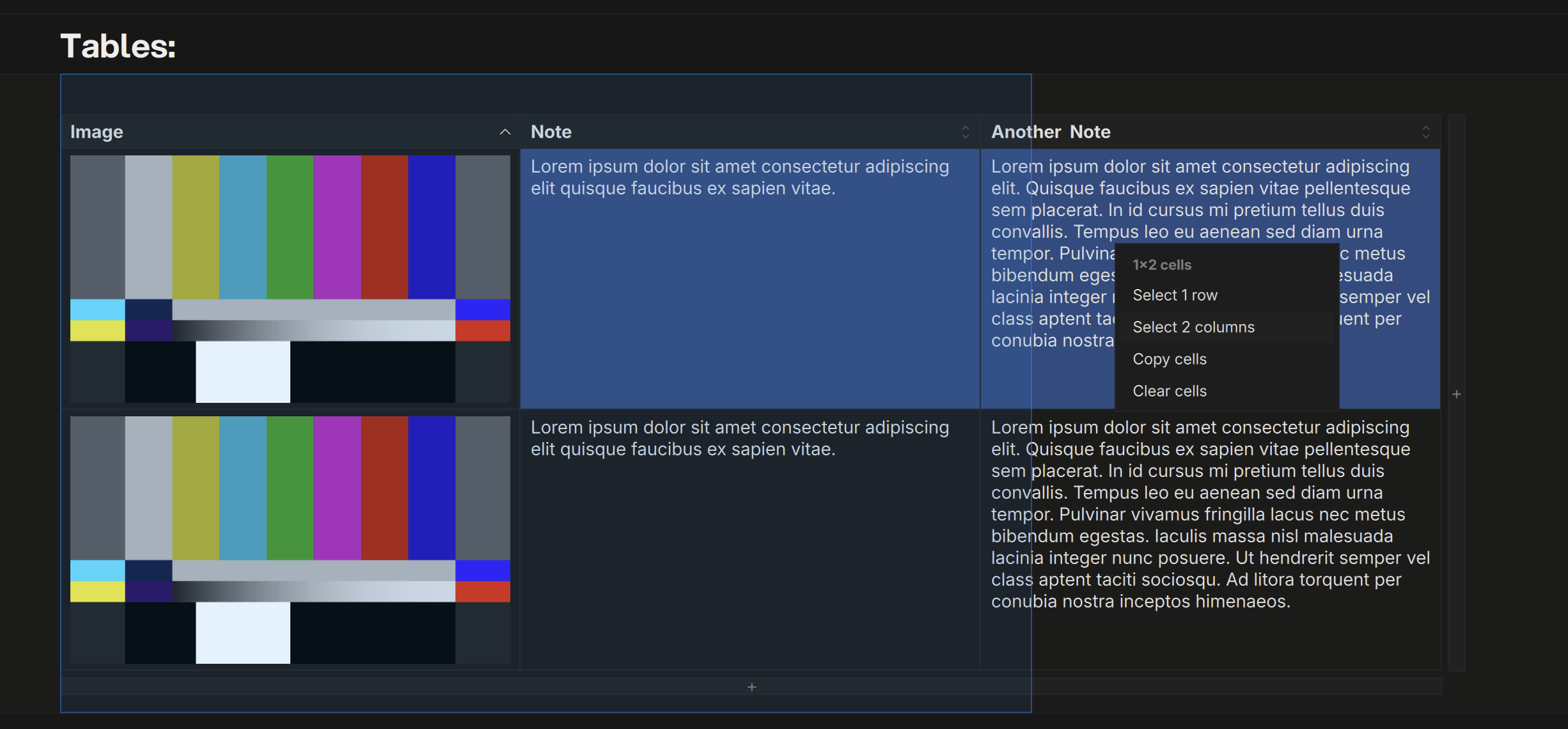
- Clear contents / Delete for the selected rows or columns (a selection that includes the header deletes the table)
- Align and column type changes across every selected column
- Palette colours apply to the whole selection
Backspaceclears a grip selection’s contents;⌘Ccopies it as cells, tab-separated text, and an HTML table
Every bulk operation is a single undo. Deleting rows or columns is menu-only, on purpose.
Pasting
Tab-separated text pasted outside a table becomes a new one. Inside a table it fills cells from the caret, growing the table as needed. Cells copied with their header row paste by matching column names; the cell menu’s Paste into cells fills by position instead.
Tables full-window
Every table can open on its own: pick it from the path bar’s page menu, or Open in tab on the block menu. The frame has a Table / Board toggle and a Filter rows… field: rows with no cell matching the text fold away, and the count shows what’s left. The filter is a view — copy, export, and undo see every row — and clears when you leave. The path bar’s last segment switches between the page’s tables, videos and PDFs.
Board View
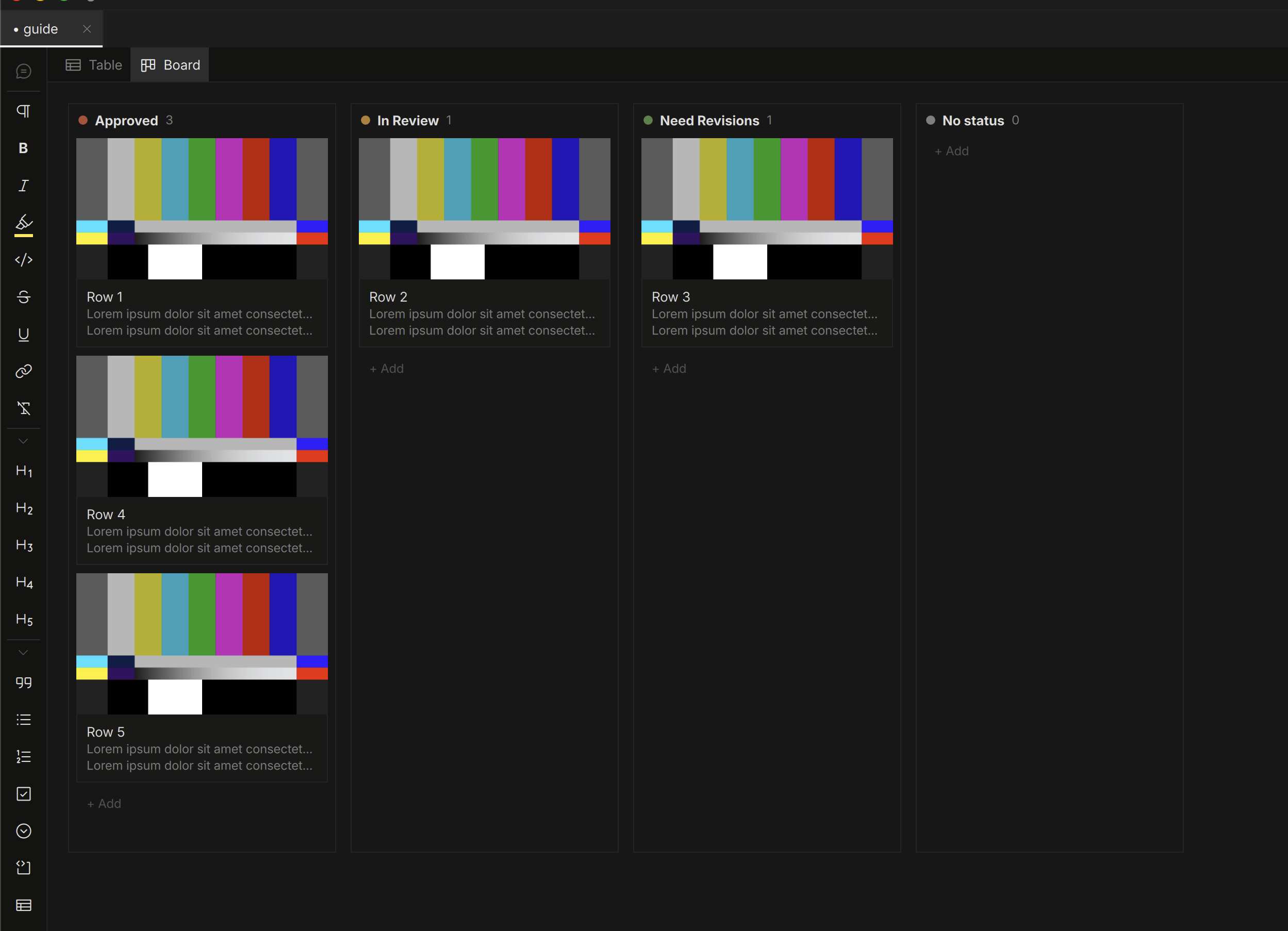
Any choice or checkmark column can become a kanban board: right-click the column → View as board, or the toggle on the table’s frame. Cards are the table’s rows; drag a card between lanes to change its value (and reorder). Double-click a card to jump back to its cell.