Packages
A package (.mnpkg) is a sealed snapshot of a file — every page, every canvas element, and every referenced media file inside — one file to archive, or to hand to someone who doesn’t have your network mounts.
Exporting
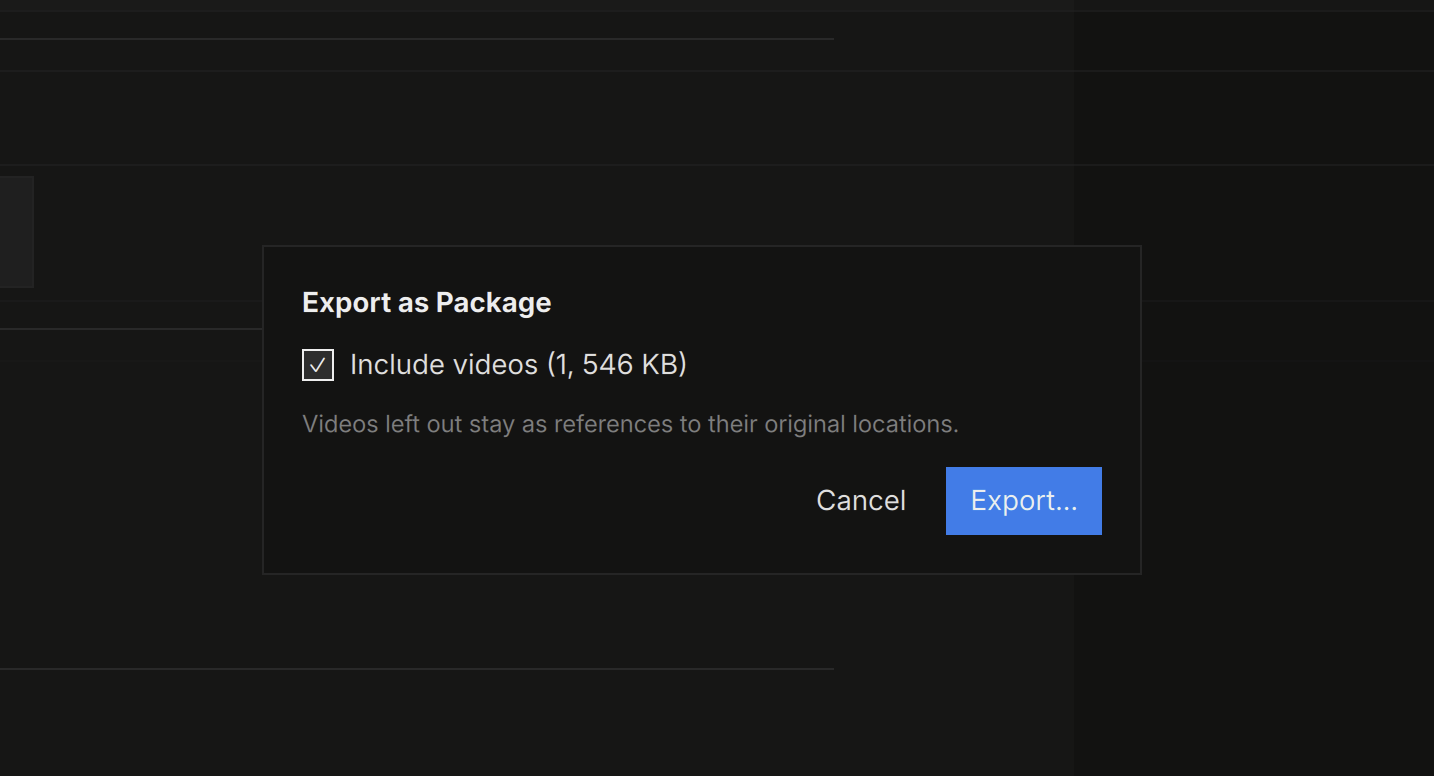
Export ▸ as Package… embeds the file and all its media. Videos are included by default (the dialog shows what they weigh; leave them out and they stay as references to their original locations). Folder and bookmark cards travel as cards; a folder’s contents are not packed.
Large packages assemble in the background with progress and cancel — there’s no size cap, and video is stored uncompressed so packing is fast and playback works in place.
Opening
Double-click a .mnpkg and it opens instantly as a read-only view — media loads lazily out of the archive, and video plays straight from it without extraction.
Packages are snapshots: you can type in the view, but Save is disabled — use Save As to materialize an editable .mnd copy (with its media folder) wherever you want it. The package on disk is never modified. Dropping a package on another file’s canvas copies its pages in.
The rule of thumb:
.mndis the source you work in;.mnpkgis the artifact you send.