Comments
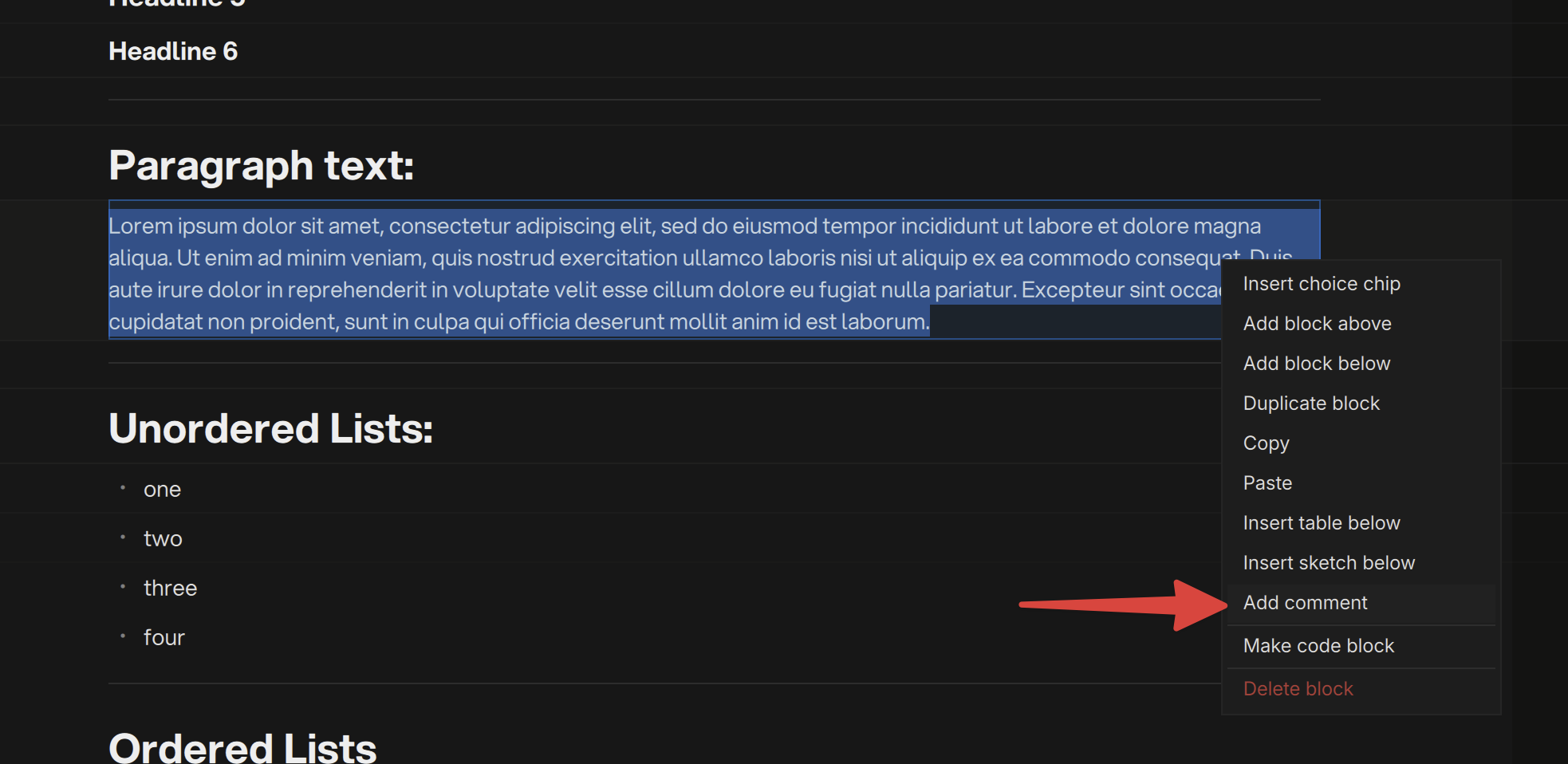
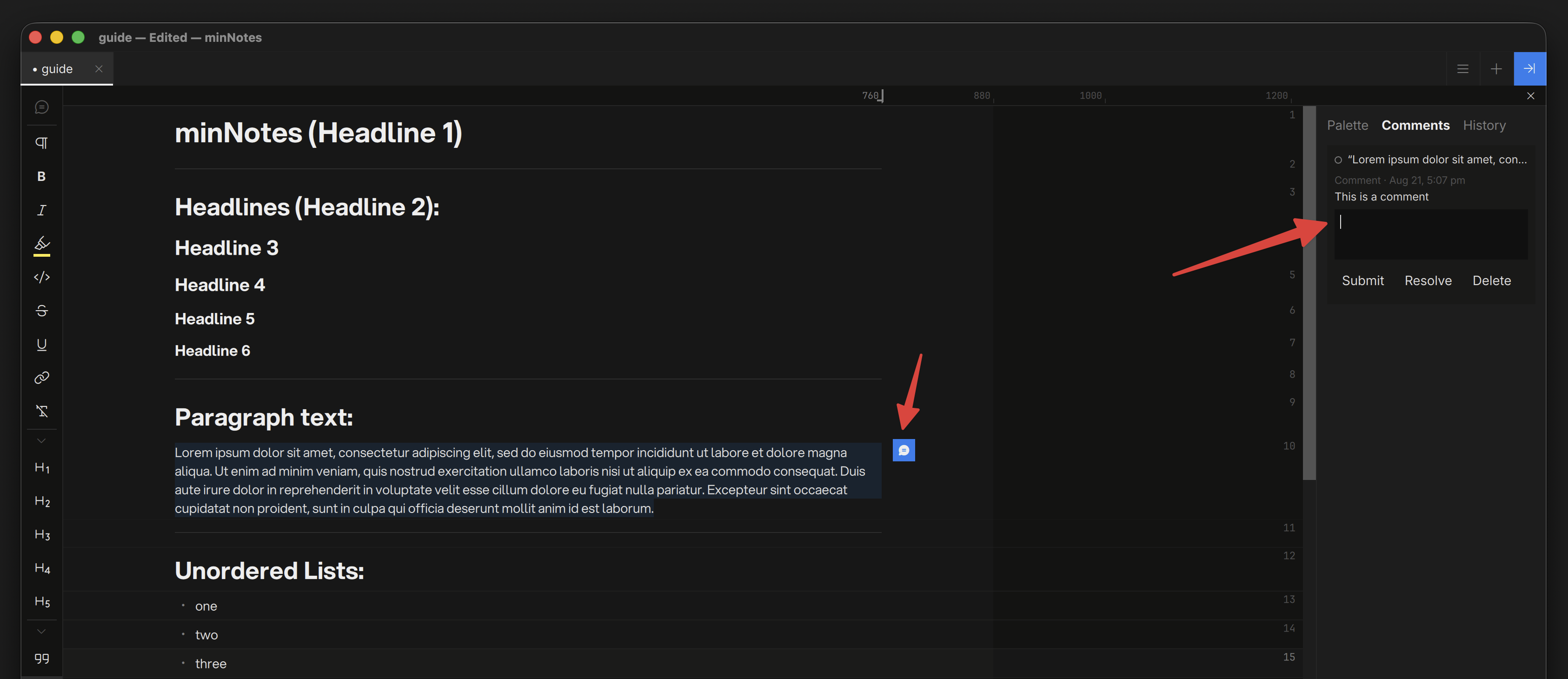
Select text in a block and choose Add comment from the right-click menu. The text gets a subtle tint and a blue bubble appears in the margin — blue means a conversation lives here.
Threads
Click the bubble to open the thread right there in the margin: read, reply, Resolve. In the composer, Enter submits and Shift+Enter starts a new line.
When every thread on a block is resolved, its bubble and tint go quiet grey — settled conversations stop asking for attention. Reopen a thread and it comes back blue.
The Comments View
The Inspector’s Comments view lists every thread in the note with its full history — jump to any thread’s block, reply, resolve, or delete from there.
Comments in Exports
- HTML — threads pop up when you hover the commented text (resolved ones dim), and a printable list sits at the end of the page.
- Word — comments arrive as native review comments, anchored to the text, ready for replies in Word’s own UI.
- Markdown / PDF — comments become footnotes with timestamps and resolve state.